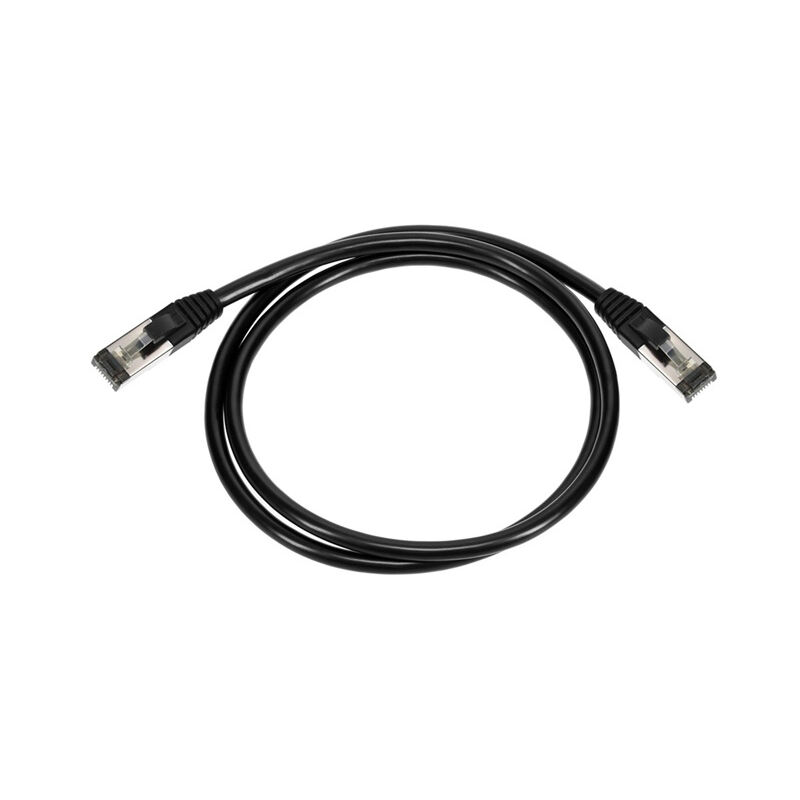
When it comes time to set up a computer network, you'll want to know more about RJ45 connectors and Cat6 cables. It can be a bit hard to get used to, but once you figure out the key notation, its much simpler!
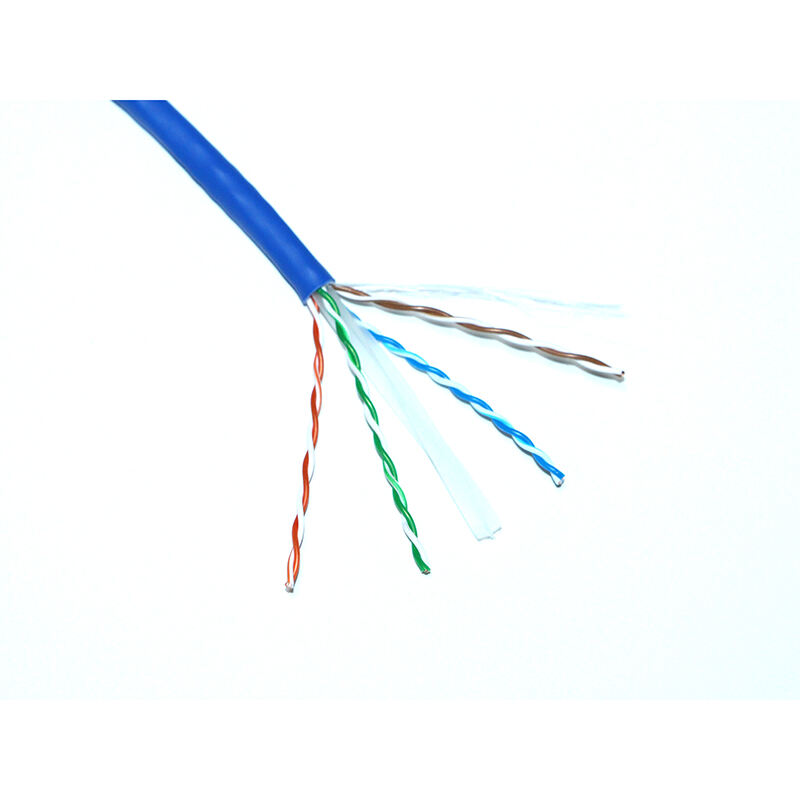
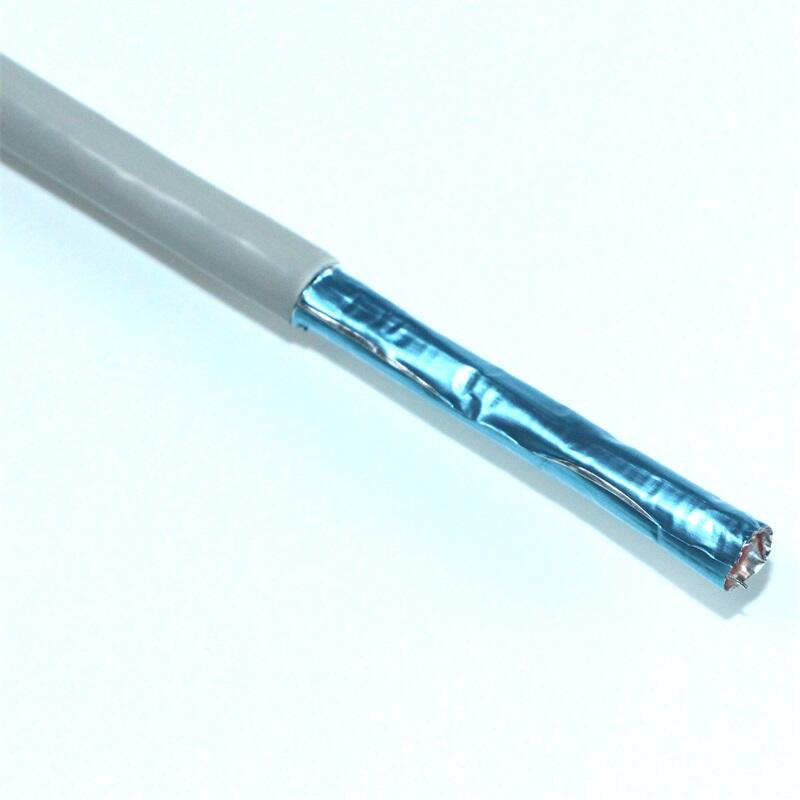
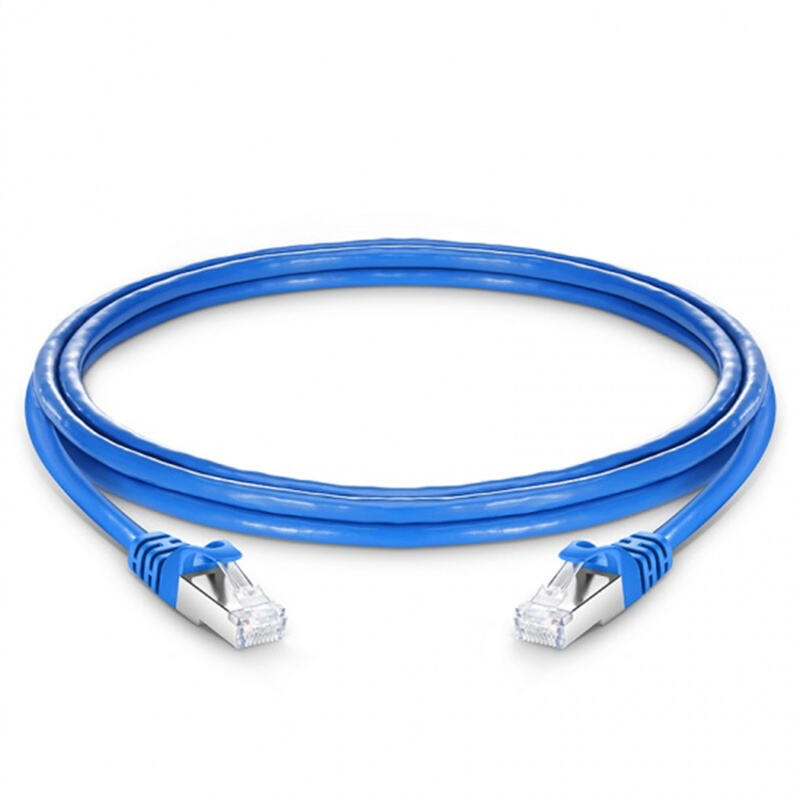
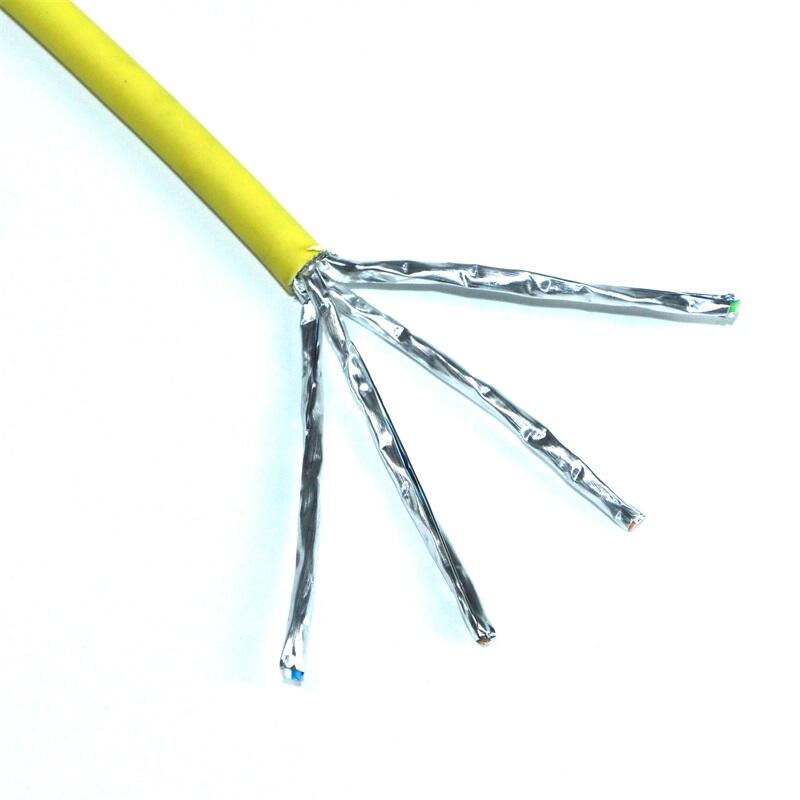
RJ45 connectors are the connectors that connect cables to devices such as computers, routers and switches. They consist of eight tiny metal pins that go into slots in the device. Cat6 cables are not just ordinary cables; they have certain components built into them to ensure that they provide you with continued speed and high quality of the data transfer. For any cable to be called a Cat6 it must comply with certain standards.
Using the correct type of connector with the right kind of cable is even more crucial. If your Cat6 cable uses a different sort of connector, it may not function properly either. Data is up to October 2023.
Cat6 cables with RJ45 connectors work best for this as they can carry faster internet speeds and more data than older cables. This allows your computer to load web pages and videos faster, and you won’t have to wait as long for things to download. Also, a strong connection can prevent your video calls from freezing or your games from lagging.
Choosing the Right RJ45 Connector for Cat6 Network Setup Not all connectors are designed for all cable types, so make sure you pick one that's compatible with Cat6. It's similar to trying a key in a lock - if they don't mate, you can't get the door to open!

Adding RJ45 connectors to your Cat6 cables is a bit like putting puzzle pieces together. You need to attach the different coloured wires inside the cable to the appropriate pins on the connector. When it’s all aligned properly, you’ll use a tool to jostle the pins into their places. So, you might have to get the hang of it, if you do, however, it will allow you to create custom cables for your network.

Shenzhen Xinxinda Communication Technology Co., LTD was established in 2002 in Longgang District, Shenzhen City.

 EN
EN
 AR
AR CS
CS HR
HR DA
DA NL
NL FI
FI FR
FR DE
DE EL
EL IT
IT JA
JA KO
KO NO
NO PL
PL PT
PT RO
RO RU
RU ES
ES SV
SV TL
TL IW
IW ID
ID LV
LV LT
LT SL
SL SK
SK UK
UK ET
ET GL
GL HU
HU TH
TH TR
TR MS
MS GA
GA AZ
AZ KA
KA MN
MN UZ
UZ IS
IS